Articles
All articles
64 published articles for professional remote work practice.
How to manage afternoon energy crashes at a desk job
A practical non-medical playbook for the post-lunch slump: light, movement snacks, and task batching.

Anti-slouch laptop stack that stays stable
Build a safe riser stack when you cannot buy a stand yet.

Cheap acoustic fixes for apartment offices
Reduce echo and distraction in a rental without renovation using rugs, curtains, and soft placement.
Backup power options for a home desk
Keep calls alive through short outages with UPS and cable discipline.

Break timers that people actually follow
Design break cues that survive real deadlines instead of vanishing after Monday.

Portable office kit for cafe work days
A packing checklist for reliable cafe work: power, noise, privacy, and bag weight.

Simple camera lighting for daily calls
Look clearer on video with one lamp and a quick bounce test.
Chair armrest height for typing
Set armrests so shoulders stay relaxed—or remove them when they block a good keyboard position.

When a chair cushion helps—and when it hides a problem
Use cushions as temporary support without locking in a bad seat height.

Color temperature from day to night
Shift warm/cool lighting so evenings feel calmer without killing readability.

An afternoon deep-work variant of the morning routine
Protect a second deep block when mornings are meeting-owned.

The smart order for desk budget upgrades
Spend first on geometry fixes, then comfort, then aesthetics.

Desk lighting without monitor glare
Place a task lamp so paperwork and keyboards stay readable without washing out your screen—including budget and renter setups.

Desk-side storage that does not become clutter
Use vertical and closed storage so tools stay reachable without visual noise.

Desk stretch microbreaks you will actually do
Thirty-second resets for neck, wrists, and hips between deep work blocks.

Document naming rules for a home office
A lightweight file naming system so future-you can find work in seconds.

An end-of-day shutdown ritual for remote workers
Close loops so evenings stop leaking unfinished tasks into sleep.
Ergonomic mouse vs trackpad for long days
Choose pointing devices based on reach, shoulder load, and the work you actually do.
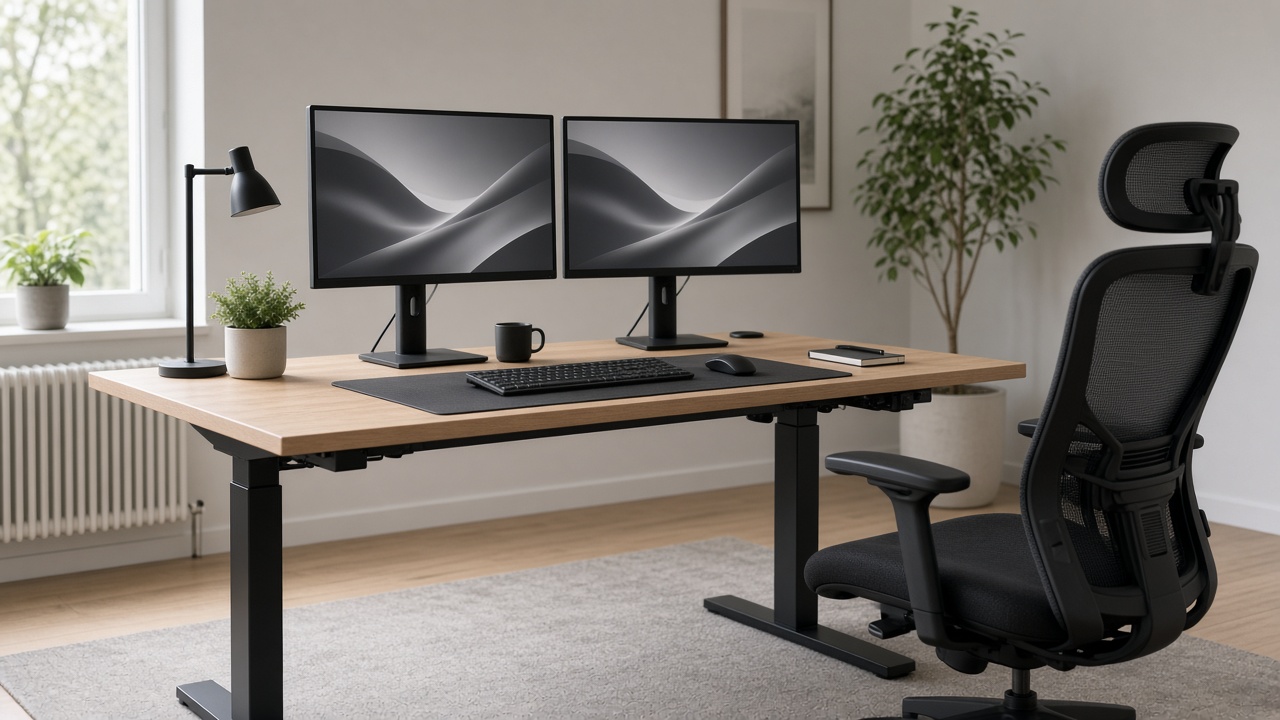
Eye-care habits for a full screen day
Practical viewing resets, brightness matching, and distance checks for long computer days.
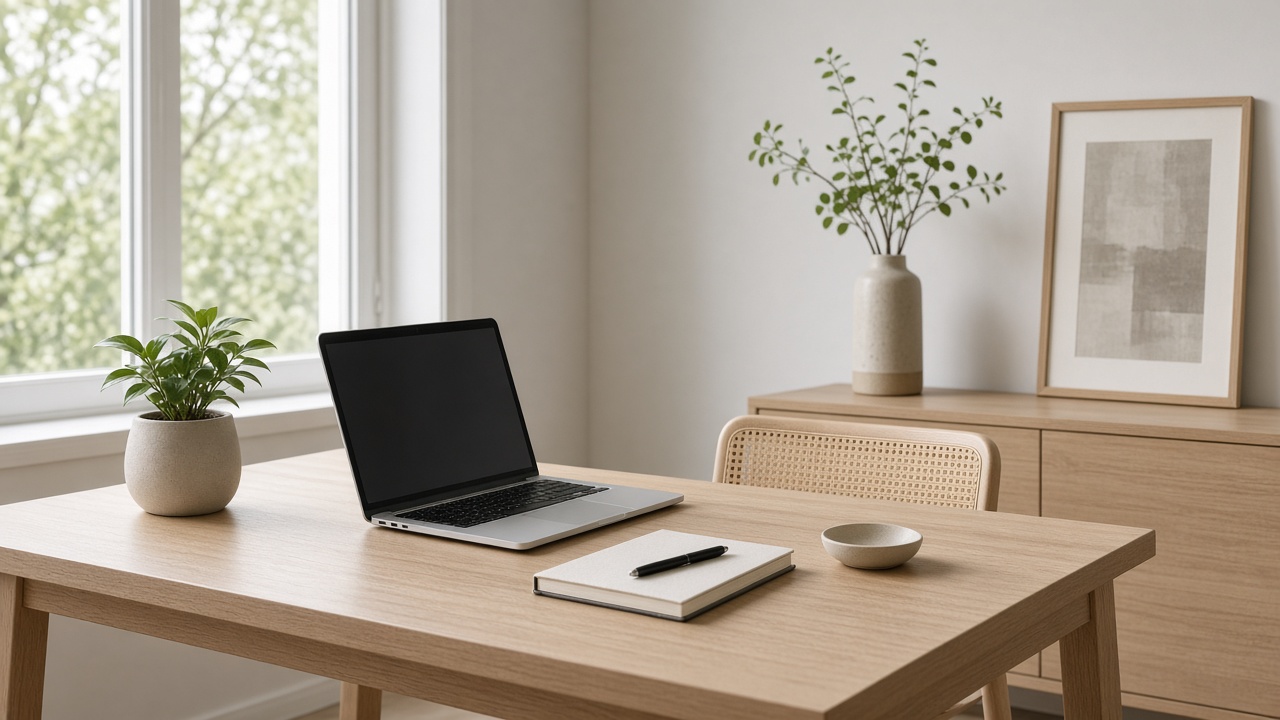
Focus Friday planning block template
Use a Friday deep block to clear next-week ambiguity before Monday chaos.

OS focus modes that actually reduce interruptions
Configure Windows or macOS focus tools so they match your real calendar.
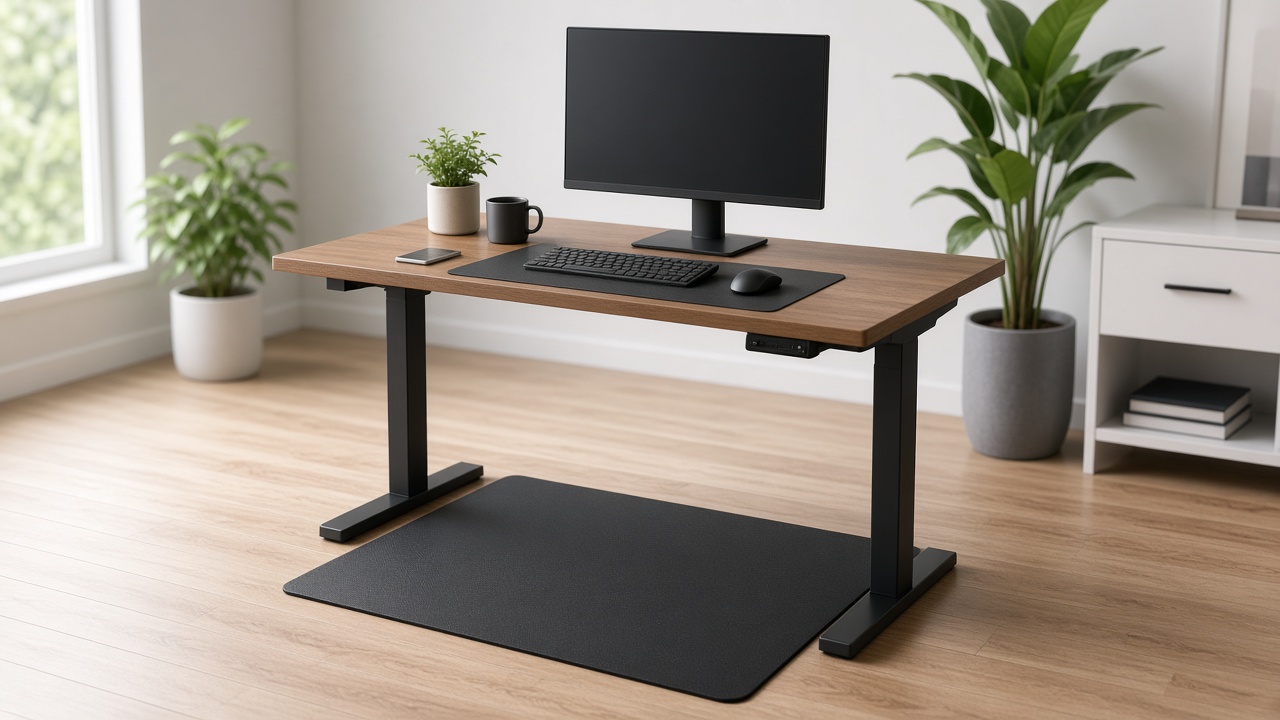
Focus music vs silence for deep work
Test protocols to decide when instrumental audio helps and when it hijacks language tasks.

Cable color coding for a calm desk
A simple labeling and routing system that makes troubleshooting faster.

Hybrid office bag checklist
Pack once for office days so commuting does not scramble your setup.

Inbox zero vs inbox calm for remote workers
Pick a mail philosophy that matches your role instead of chasing a viral slogan.

Keyboard shortcuts that reduce mouse reach
Cut repetitive shoulder travel with a small set of high-leverage shortcuts.

Keyboard tilt and wrist extension
How to set keyboard tilt so wrists stay closer to neutral—and when a gel wrist rest makes things worse.

Work blocks when kids are home
Design interrupt-tolerant focus blocks for parents working remotely.

Laptop cooling habits that protect focus
Keep thermals under control without turning your desk into a data center.

Desk plant care for low-light rooms
Pick plants that survive dim offices and place them where they help without crowding the keyboard.

Meeting-heavy day desk survival plan
Protect your body and attention across back-to-back video calls with sit/stand swaps and camera setup.

When a monitor arm is worth buying
Decide if an arm fixes height and depth problems—or if books and a riser are enough.

Multi-monitor window layouts that reduce chaos
Assign roles to screens so your eyes stop hunting for the active window.

Night-shift remote work lighting plan
Reduce harsh contrast after dark with warm task light and a screen brightness ladder.

Reduce notification chaos across phone and PC
Build allowlists and batch windows so alerts stop owning your attention.

Map peripheral reach to cut shoulder strain
Place mouse, drink, and notebook inside a comfortable arc.

Quiet-hours agreements with your household
Negotiate focus windows at home without turning family life into a corporate policy.

Remote onboarding desk checklist for new hires
Help a new remote teammate set up a workable station in the first week.

A deep-work morning routine for remote workers
A practical first-90-minutes system for remote work—environment setup, task order, and a no-phone block you can repeat.

Make screen shares readable for everyone
Zoom, font, and window habits that stop “can you make that bigger?” loops.
A second-brain note habit that fits desk work
Capture decisions and links without turning note apps into a second job.

How to share a desk with a partner at home
Rules, schedules, and cable ownership tips for two people sharing one workstation.

Standing desk posture tips for coding sessions
Keep wrists and shoulders happier during long compile-and-debug stretches.

First-week plan after buying a standing desk
A progressive standing schedule for week one so you build habit without overdoing day-one standing time.

Standing desk setup for tablet drawing
Hybrid posture tips for designers who sketch on tablets while switching to keyboard work.

Standing mat and shoes: a comfort pairing guide
Combine footwear and mat choices for short stand blocks that do not wreck your feet.

Using a tablet as a second screen
When a tablet sidecar helps—and when it creates more neck twist than value.

Task batching for a remote calendar
Group similar work so context switching stops shredding your afternoons.

Remote setup for a travel-heavy work week
Keep posture and power reliable across hotels and coworking desks.

Two-zone apartment office without a spare room
Split focus work and admin work in a studio using furniture boundaries.

Second monitor vs ultrawide for writing work
Compare neck turn cost, window layouts, and focus tradeoffs for long-form writing and documentation.

External webcam placement that looks natural
Frame your face without expensive gear using monitor-top placement and lighting basics.

A 20-minute weekly workspace reset
Reset cables, surfaces, and open loops every week so Monday starts clean.
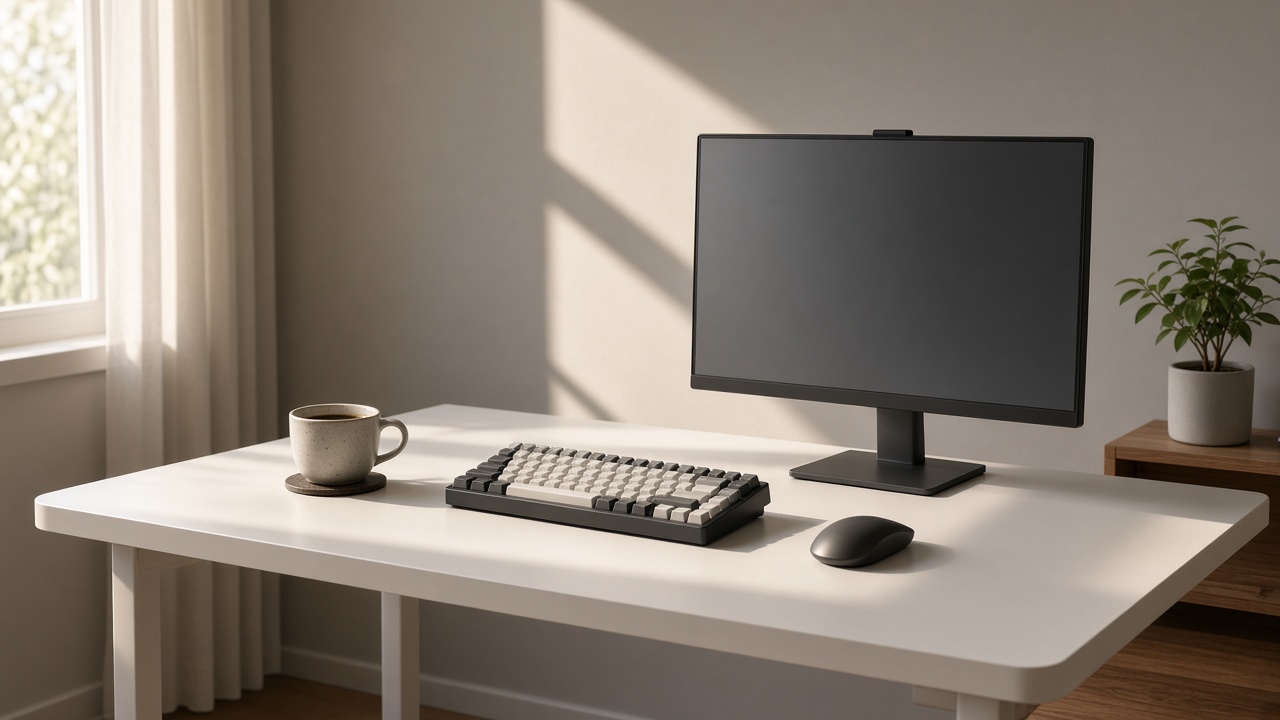
A minimal toolkit for a writing desk
Strip your writing station to the few tools that keep drafts moving.

Cable management for sit/stand desks
Keep power and USB cables from yanking, snagging, or unplugging when your standing desk moves.

Dual monitor height alignment without neck twist
How to set primary and secondary screens so your neck stays centered during desk work.
Do you need an anti-fatigue mat for a standing desk?
When a standing-desk mat helps, when it does not, and cheaper ways to make short stand blocks more comfortable.

Footrest vs lowering the chair
A decision tree for dangling feet at a fixed desk—when a footrest helps and when chair height is the real fix.

Budget ergonomic checklist under free-to-cheap upgrades
A prioritized list of free adjustments and low-cost upgrades before you buy premium chairs or desks.
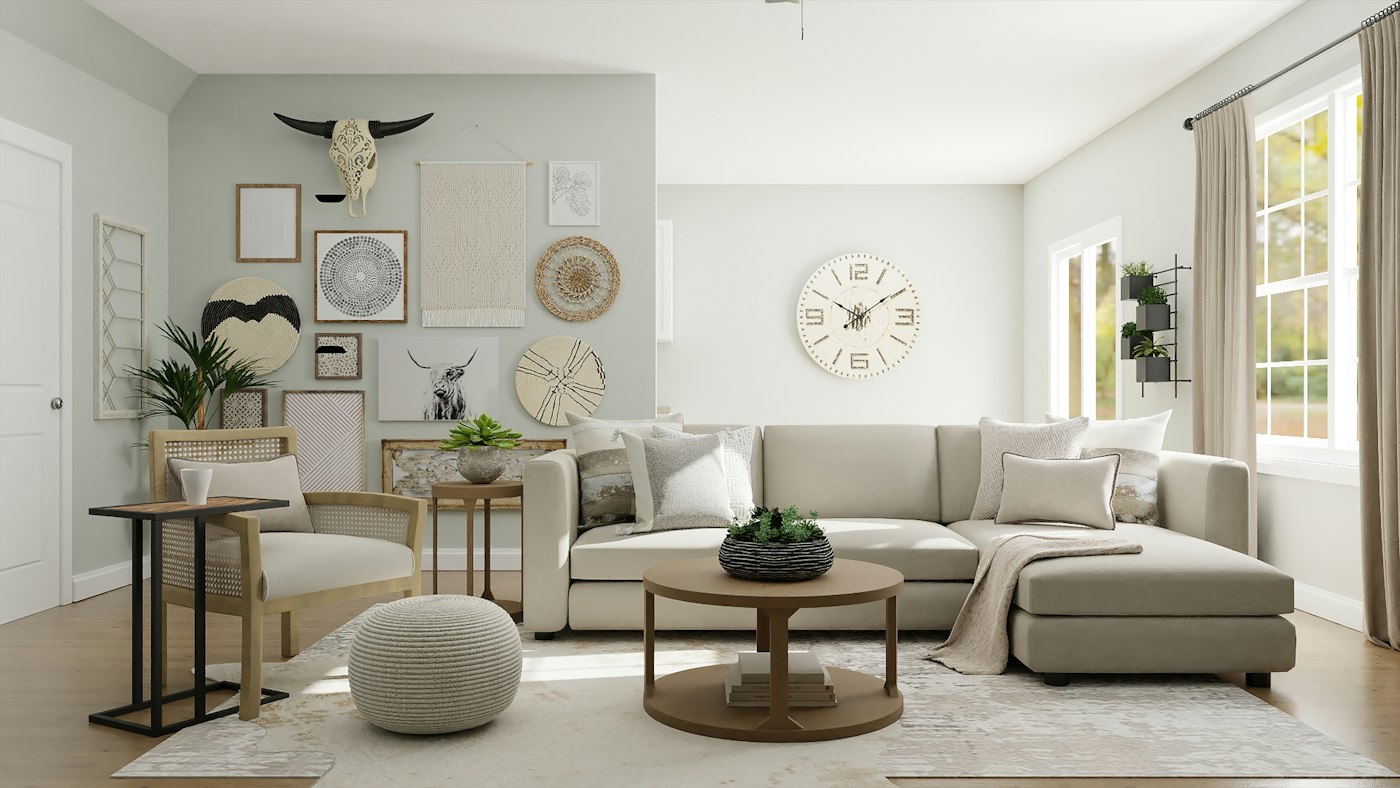
Laptop riser and external keyboard setup
How to turn a laptop into a healthier desk workstation with a riser, keyboard, and mouse.

Small-room home office layout that still works
Layout options for bedrooms, studio apartments, and shared rooms without buying a full office suite.
Standing desk schedule for beginners
A gentle sit/stand plan for the first two weeks, plus signs you should sit more.

Monitor distance and eye strain for desk work
Practical viewing distance ranges, screen height tips, and a short daily reset for computer eye fatigue.
How to set desk height without guessing
A practical checklist for sitting and standing desk height using elbow position, chair setup, and fine-tuning.