Article
Portable office kit for cafe work days
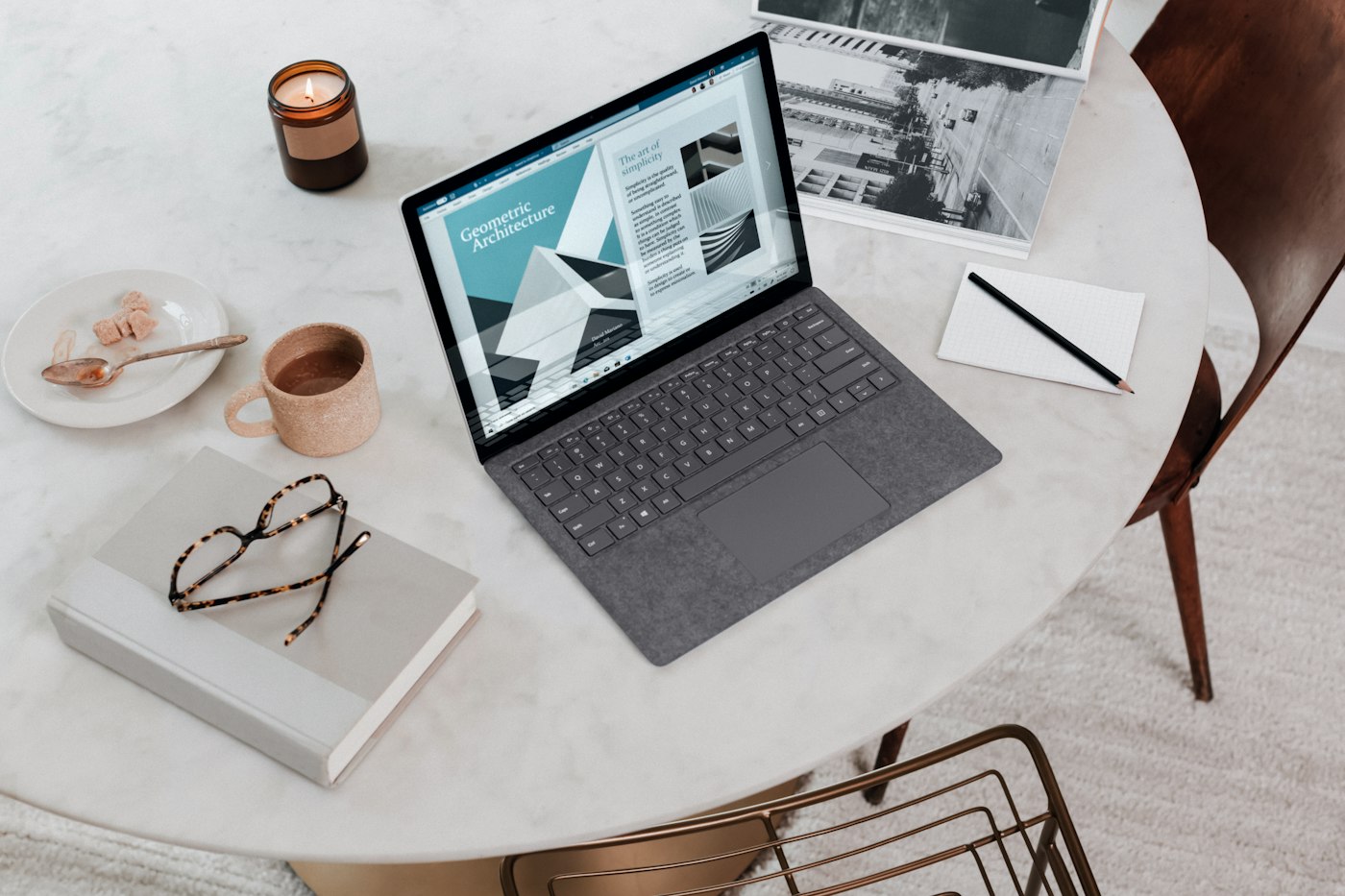
Cafe work days fail for boring reasons: a dead battery mid-afternoon, headphones that cannot handle espresso-machine noise, glare that turns the screen into a mirror, and a bag so heavy you arrive already tired. A portable kit is not about looking like a catalog traveler. It is about carrying the minimum that keeps attention and posture acceptable for a few hours.
This guide assumes you are a guest in a public space. Buy something if that is the social contract, keep belongings off other seats, and leave when you have overstayed the vibe.
Choose the day job before you pack
Not every task belongs in a cafe. Drafting, editing, inbox batches, light research with offline files, and async documentation usually fit well. Confidential HR or legal calls without a private booth, long video meetings with sensitive screen share, dual-monitor work, and deep focus for stimulation-sensitive people usually fit poorly.
Pack for the actual mission. A call-heavy day needs stronger audio discipline and maybe a backup venue. A writing day needs battery, noise control, and a comfortable keyboard plan.
The core kit, kept deliberately light
Everything must earn its weight. Carry the laptop and charger, and never assume outlets. Add a compact mouse if trackpads slow you down. Bring headphones with a reliable seal or solid noise isolation. Carry a phone and cable for hotspot fallback. Include a notebook and pen for capture without constant app switching. Add a small power strip or multi-port adapter only if you genuinely share outlets politely. Bring a lightweight laptop stand or rigid folio to raise the screen when table height allows an external keyboard. Add that external keyboard if you will stay longer than about two hours.
Skip decorative pouches full of unused dongles. One pouch with today’s adapters is enough. Weigh the bag once. If it hurts before you walk two blocks, remove the maybe items.
Power strategy that prevents panic
Cafe outlets are scarce and socially awkward. Arrive with a high charge whenever possible. Charge overnight and verify the charger is in the bag during a doorway check. Use battery saver during long writing blocks if performance allows. Prefer a wall seat that does not block staff paths when you must plug in. Carry a short cable; long cables create trip hazards and annoyed looks. Keep a phone hotspot plan with a data cap you understand.
If your laptop drains quickly in public, check background sync and brightness before blaming the venue. Dim the screen to match ambient light. Cafes are often brighter than home rooms, so automatic brightness may drain the battery faster than you expect.
Noise and privacy without looking paranoid
You cannot silence a cafe. You can choose your exposure. Sit side-on to traffic so people are less likely to shoulder-surf. Use a matte privacy filter if you handle recognizable client names. Angle the screen away from queues. Prefer playlists or brown noise you already tested at home; new audio novelty becomes procrastination. For calls, use earbuds and a calm voice, and step outside for anything confidential.
If your work is regularly sensitive, cafes are the wrong default. Use them for low-sensitivity deep work and keep private tasks for home or a proper coworking room.
Posture improvisation at imperfect tables
Cafe tables are often high, shiny, and wrong. You will not get perfect ergonomics. You can avoid the worst craning. Raise the laptop on a stand and use an external keyboard and mouse when staying long. Keep shoulders soft and bring the chair closer rather than perching forward. Use a rolled jacket behind your lower back if the chair is unforgiving. Stand for phone calls outdoors between blocks. Cap the session at two to three hours if your neck complains.
If you cannot raise the screen, shorten the session rather than forcing four hours of downward gaze. Portable work includes knowing when to go home.
Choose seats like a focus decision
Arrive with a seat heuristic instead of a twenty-minute vibe hunt. Prefer a wall or booth back so traffic passes in front of you. Prefer enough table depth for laptop plus notebook without teetering. Prefer light from the side rather than a window blasting the screen into a mirror. Prefer distance from grinders and bathroom-door traffic.
If the only open seat fails two of those tests, shorten the session or move after your drink. A bad seat with a perfect kit still loses.
Session structure that respects the space
Use a simple cafe rhythm. Settle for five minutes with order, bathroom, seat, and setup. Work Block A for forty-five to fifty minutes on the main artifact. Reset for five to ten minutes with a walk or stretch and no infinite feed scrolling. Work Block B for another forty-five to fifty minutes on a second artifact or admin. Pack clean: clear your crumbs and push the chair in.
Two honest blocks beat five hours of half-working while people-watching. When the kit is right, leaving on schedule feels like competence, not failure.
Door ritual and monthly kit health
Run a literal last-meter ritual before you leave home: laptop, charger and cable, tested headphones, mouse or keyboard if planned, notebook and pen, payment method, phone with known-working hotspot, water if the cafe allows it, and a three-item task list for this venue. If an item is not on the list, it stays home unless today’s mission uniquely needs it.
Once a month, check kit health. Inspect charger cables for fray. Clean headphone pads and confirm the mic still works. Test hotspot. Confirm bag weight is still acceptable. Match privacy needs to the venues you actually choose. Decide whether the stand and keyboard combo still earns its place for your typical duration. Remove dead dongles from the pouch.
Checklist
- Mission chosen for cafe fit before packing
- Core kit limited to items that earn their weight
- Battery high on arrival; charger verified in bag
- Hotspot path known and recently tested
- Seat chosen for traffic, depth, light, and noise
- Screen privacy handled for the work sensitivity level
- Stand and external keyboard used for longer sessions
- Session capped at two focused blocks unless conditions are excellent
- Table left clean; bag weight reviewed monthly
FAQ
Is a tablet enough for cafe days?
For reading and light markup, yes. For heavy writing or IDE work, a laptop still wins for most people. If you bring both, you are probably over-packing unless the tablet replaces paper.
How do I handle flaky cafe Wi-Fi?
Download offline documents before you leave. Keep hotspot ready. Prefer tools that save locally. Do not discover sync dependency at the exact moment you need to work.
Should I bring a mouse pad?
Only if the table is so glossy your mouse fails. A small packable pad can help; a giant cloth pad rarely deserves the space.
What is the biggest kit mistake?
Carrying gear for an office day, a travel week, and a photo shoot at once. Pack for a defined two-to-three-hour mission. Specific beats hypothetical.
Can I do video interviews from a cafe?
Sometimes, with good headphones and a quiet corner—but background risk is high. For high-stakes interviews, choose a controlled room. Save cafes for work that can absorb interruptions.