Article
Eye-care habits for a full screen day
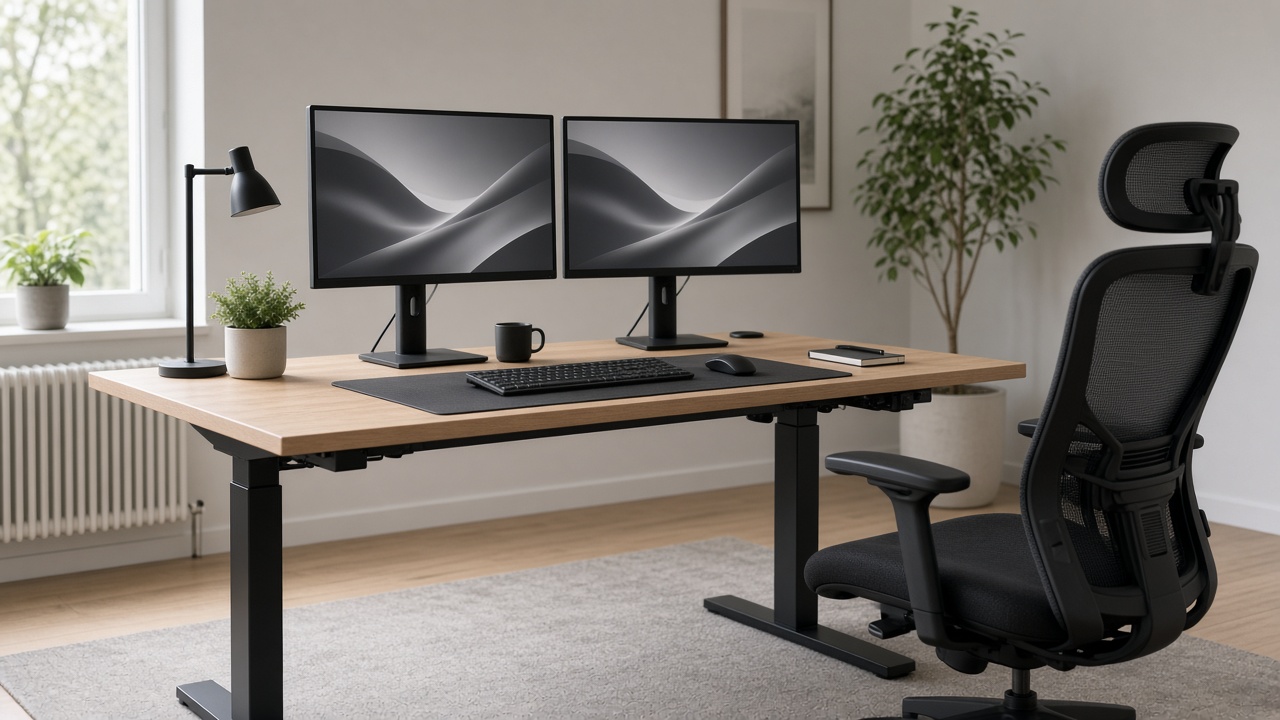
A full screen day rarely fails because of one dramatic mistake. It fails because small viewing choices stack: the monitor sits a little too close, the room is dimmer than the display, and you forget to look past the desk until mid-afternoon. This guide is educational desk hygiene—not medical advice. If you have ongoing vision concerns, talk with a qualified eye-care professional. What follows is a practical set of habits you can test at a home or office workstation.
At a glance
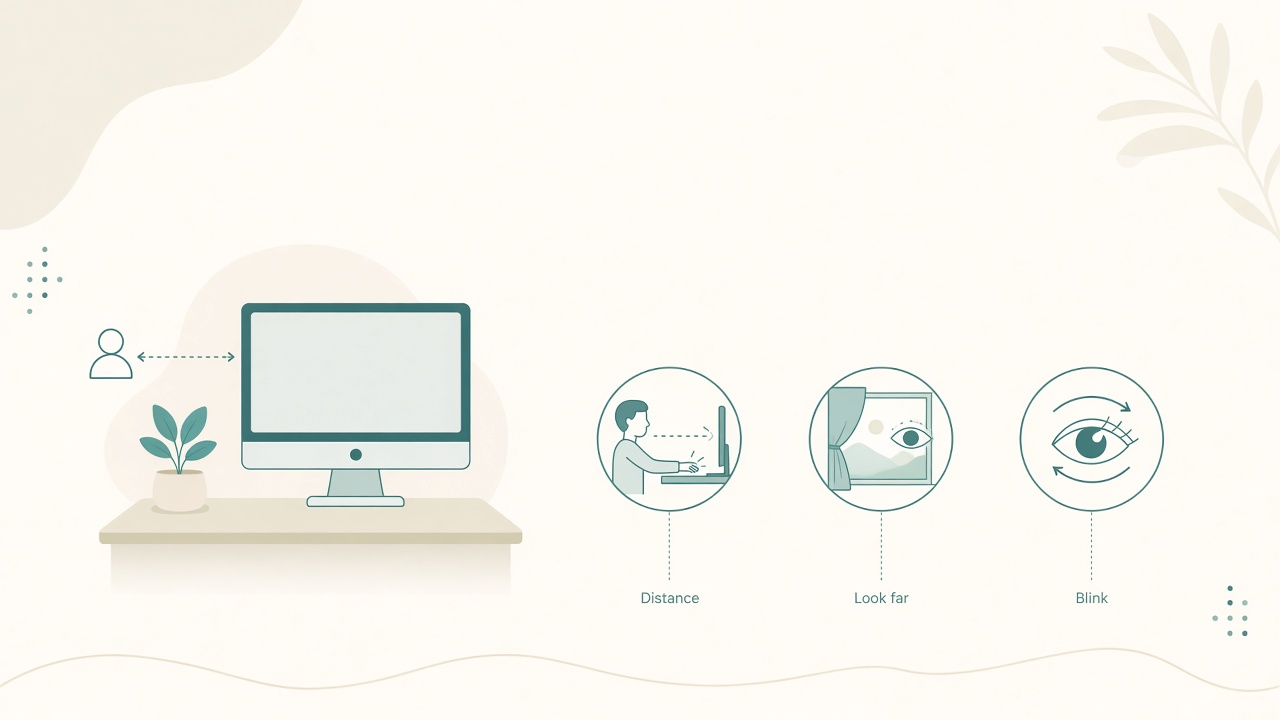
Distance, far focus, and blink breaks for long screen days.
Why screen days feel harder than they look
Knowledge work keeps your eyes locked on a narrow depth of field. Paper, whiteboards, and hallway conversations naturally change focus distance. Screens do not. Add glare, tiny interface text, and back-to-back meetings, and your visual system spends hours without a true reset.
The goal is not a perfect ergonomic score. The goal is fewer late-day symptoms that come from controllable setup and rhythm: dry-feeling eyes from reduced blinking, neck lean from reading small type, and fatigue from brightness fighting the room.
Habit 1: set a usable viewing distance first
Before buying blue-light accessories or fiddling with night themes, fix geometry. Sit normally with your back against the chair. Extend one arm toward the monitor; your fingertips should roughly reach the screen for many mid-size displays. If you lean forward to read, enlarge the interface before pulling the monitor closer. If you feel you are looking across a parking lot, move the display nearer or increase scaling.
Laptop-only setups usually put the screen too low and too close. Raise the laptop, add an external keyboard and mouse, then re-check distance. The monitor distance calculator helps you pick a comfort band by screen size so you are not guessing from memory.
Habit 2: match brightness to the room
A bright panel in a dark room creates harsh contrast. A dim panel in a sunny room makes you squint and lean in. Neither is a character flaw; both are mismatch problems.
Keep the monitor from being the brightest object in view, then recheck after lunch when daylight changes. If you work across day and evening, save a brighter daytime profile and a calmer evening profile. Automatic night modes can help, but they do not replace distance and glare control.
For lamp placement, window glare, and the full brightness-matching drill, use desk lighting without monitor glare—then return here for viewing resets and distance habits.
Habit 3: build a viewing reset into the calendar
Long focus blocks are useful. Unbroken near focus is not. Every 20–30 minutes, look at something farther away for about 20 seconds. Blink deliberately a few times when your eyes feel stuck open. Stand or roll the chair back once per hour so your whole posture resets, not only your gaze.
Attach the reset to existing cues: after you send a message, after a compile finishes, or when a meeting ends. Timer apps help some people; cue-based resets help others. Pick the version you will still do on a chaotic Thursday.
Habit 4: reduce the lean with typography and window discipline
Forward head posture is often a reading strategy, not a personality trait. Treat it as a signal. Increase OS or browser zoom until you can sit back and still parse text. Prefer one primary window at readable size over three tiny panes. Keep reference material on a second monitor at a similar height, or use a split that does not force constant head ducking. Avoid placing sticky notes under the bezel if they train you to look down for hours.
Writers and developers benefit especially from one enlarged pane during deep work. Multitasking layouts can return for review sessions.
Habit 5: manage glare like a lighting problem
Glare is light that competes with the image. Fix the source before you buy anti-glare films. Do not place a bright uncovered window directly behind the monitor. Angle the screen slightly so overhead lights do not mirror into your eyes. Use a desk lamp for paper and keyboard areas rather than blasting the whole room. Close or sheer-curtain harsh afternoon sun on west-facing desks.
If you still see a bright strip on the glass, move the lamp or yourself a few inches. Small geometry changes often beat expensive accessories.
Habit 6: treat meetings as a different visual load
Video calls combine near focus, face tracking, and sometimes a second screen of slides. Keep the active speaker window near camera height so you are not staring at a bottom corner. Enlarge captions or chat only when needed, then shrink them again afterward. After a long call block, do a longer far-focus reset—look out a window or down a hallway for a minute—before diving into dense documents.
Mistakes that quietly undo good setup
Chasing filters instead of distance will not fix a screen pressed against your nose. Working in a cave with a bright panel leaves mismatch unsolved. Ignoring interface scale because you can still read it at maximum lean is not a sustainable posture. Skipping resets during urgent weeks is when fatigue compounds errors. Using a laptop on the kitchen table with no riser may be fine for occasional travel days, but daily low-screen work carries a different cost.
A practical half-day experiment
Run this on a normal workday and note what changes. In the morning, set distance, height, and brightness with the matching drill and write down the settings. Mid-morning, enforce a far-focus reset at natural breakpoints for two hours. After lunch, re-match brightness if the room changed and enlarge text for the heaviest reading task. Late afternoon, do one full posture reset—stand, look far, blink, sip water—before the final deep block.
You are collecting personal evidence, not performing a clinical test. Keep what clearly helps; drop what feels theatrical.
Checklist
- Monitor distance roughly matches arm’s length for your screen size, verified while sitting normally
- Laptop is raised with external keyboard and mouse if used as a daily primary
- Display brightness roughly matches room light
- Glare sources moved, angled, or curtained off the screen surface
- Interface or browser zoom set so you can sit back without leaning to read
- Far-focus reset planned every 20–30 minutes via timer or task cue
- Hourly stand or chair-roll break included on meeting-heavy days
- Day and evening brightness presets available if you work after dark
- Second screen aligned so you are not constantly looking down
- Notes on what helped after a one-day experiment, before a shopping spree
FAQ
Do I need special glasses for computer work?
Some people benefit from lenses prescribed for their viewing distance and needs. That decision belongs with an eye-care professional. Desk habits—distance, brightness matching, and resets—still help whether or not you use computer-specific lenses.
Are blue-light modes enough?
They can make evenings feel calmer, but they do not replace geometry, glare control, or breaks. Use them as a comfort layer, not a complete plan.
How close is too close?
If you must lean in, or if your face is nearly at the bezel on a large monitor, you are likely too close or the text is too small. Re-test with the arm’s-length starting point and the monitor distance tool.
What if my job requires tiny interface elements?
Enlarge what you can, use full-screen modes for critical panes, and schedule more frequent far-focus resets. Tiny interfaces raise the cost of unbroken near work.
Can dark mode fix eye fatigue?
Dark mode helps some people in dim rooms and bothers others for long reading. Treat it as preference plus contrast testing, not a universal cure. Match the theme to the room and the task.
Related tools: monitor distance