Article
When a chair cushion helps—and when it hides a problem

A chair cushion feels like the cheapest fix in furniture. Sometimes it is. Sometimes it is a soft layer over a height mismatch that will still bother your shoulders by midweek. This guide helps you decide when a cushion is a smart temporary tool and when it hides a geometry problem you should fix instead.
This is educational setup guidance, not medical advice. Persistent pain deserves professional evaluation.
At a glance
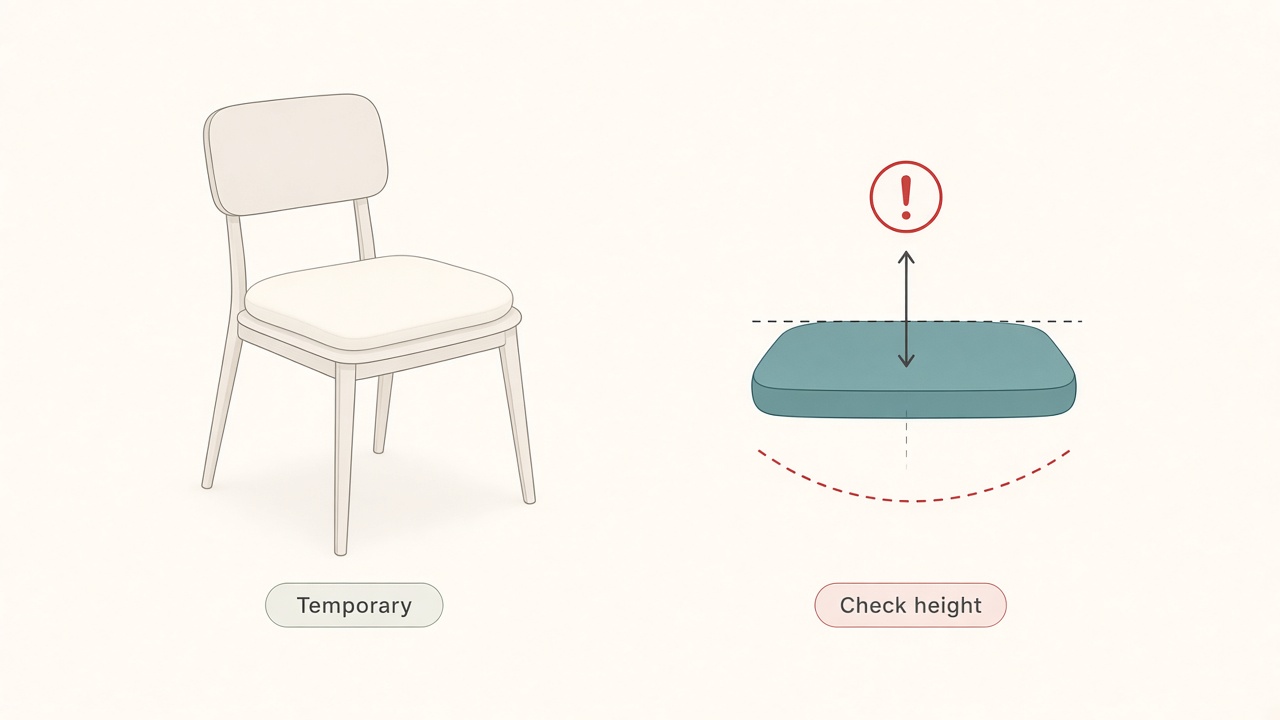
Cushions are temporary—still check seat height.
The real job of a seat cushion
A good cushion changes contact pressure, seat-depth feel, or short-term comfort on a hard chair. It does not magically create lumbar support, fix a desk that is too high, or turn a broken chair into an adjustable one.
Think in three honest use cases. Use a cushion as bridge comfort while you save for a better chair. Use it to tune a mostly good chair that is a little firm or a little deep. Use it on guest or multi-user seats that need a quick comfort layer. If your real issue is floating or perching because the seat is wrong for the desk, start with height and foot support before shopping foam.
Diagnose before you buy foam
Sit in your normal working posture for two minutes and notice what fails first. Pressure under the sit bones often responds to a thin, dense pad on hard plywood or mesh that bottoms out. Edge dig at the front of the seat may need a softer front edge or a better seat depth, not a tall pillow that raises you unevenly. A low back that feels unsupported rarely improves from a seat cushion alone; consider separate lumbar support after height is correct.
Shoulders that shrug while typing may mean you are now too high relative to the desk, or the desk is too high. Raising the seat with a thick cushion can worsen that shrug. Check desk and chair height together with the desk height tool. Feet that dangle after adding a cushion mean you raised the seat without giving the feet a home; add a footrest or lower the overall stack.
Write the failure mode in one sentence. Buy for that sentence.
When a cushion is a good buy
Hard conference or dining chairs used as work-from-home seats often benefit from dense foam or a contoured pad that makes a two-hour block tolerable while you plan a real desk chair. A quality chair that is slightly firm for all-day use can improve with a low-profile cushion that preserves height better than a plush pillow. Seat depth that runs a bit long is usually better addressed with a back cushion that shortens effective depth than with stacked height under you. Hot mesh that prints a pattern on skin can improve with a breathable cover-style pad without a large height change. A shared household chair can use a removable cushion so each person tunes contact without rewriting the whole setup.
Prefer firm, low-profile options first. Tall cloud cushions feel luxurious for ten minutes and then wreck typing height.
When a cushion hides the problem
If you need several inches of height, that is a chair-height or desk-height problem. Foam compresses, shifts, and slides; fix the mechanism or the desk. If your lumbar curve never meets the backrest, a dedicated lumbar support is usually clearer than raising the whole pelvis with a seat pad. If the seat pan slopes or the mechanism is broken, cushions slide forward and train you to perch; repair or replace the chair. If you already sit too high for the desk, more cushion increases wrist extension and shoulder elevation; lower the seat or raise the desk surface instead. If you notice numbness or sharp pain, do not foam over those signals. Adjust geometry, take breaks, and seek professional care if symptoms persist.
How to choose a temporary cushion without regret
Start around one to two inches of supportive foam rather than a sofa pillow. Choose density that compresses a little and then stops, rather than flattening by lunch. Prioritize a non-slip bottom over color. Prefer a removable, washable cover for long hours. Choose a flat shape for general lift or a contoured shape only when you know you need pressure relief in specific zones. Keep the receipt because comfort is personal.
If you need both seat softness and lumbar fill, buy them as separate pieces so you can remove one without losing the other.
Install and re-check geometry
After placing the cushion, sit with feet flat or on a footrest. Check that elbows can rest near desk height for typing without shrugging. Confirm the monitor is still at a sensible eye line, because raising the seat can make the screen feel low. Type for fifteen minutes and notice wrists, shoulders, and whether the cushion walks forward. If you now perch on the front edge, the stack is wrong; reverse the change.
A cushion that forces a new bad posture is not a bargain.
Alternatives that often beat thick foam
Lower or raise the chair using its cylinder first. Add a footrest if feet dangle at the correct elbow height. Use a folded towel as a test lumbar pad for a day before buying. Move to a firmer dining chair temporarily only if desk height matches, not as a long-term plan. Prioritize a used adjustable office chair over stacking pillows on a decorative seat.
Spend on the adjustment that removes the root mismatch. Soft goods are supporting actors.
A two-week decision protocol
In week one, fix height, foot support, and desk relationship. Do not add a new cushion yet unless the seat is painfully hard. In week two, if pressure or firmness remains the only complaint, add a low-profile cushion and re-check typing posture daily for three days. Keep it if comfort improves and geometry stays honest. Return it if you start shrugging, dangling feet, or sliding forward.
This protocol prevents the common failure mode of buying comfort accessories that lock in a bad seat height for months.
Checklist
- Real failure mode named: pressure, depth, lumbar, or height mismatch
- Desk and chair height verified before adding thickness
- Low-profile dense foam chosen over a tall plush pillow
- Non-slip base and washable cover confirmed when possible
- Elbow height and monitor line re-checked after install
- Feet supported on floor or footrest
- Seat comfort separated from lumbar support
- Slide and compression tested across a full work block
- Chair repair or replacement planned if the mechanism is the real issue
- Return decision date set within two weeks
FAQ
Can a cushion replace an ergonomic chair?
Not for long-term daily work. It can bridge comfort on a hard seat, but adjustable height, back angle, and a stable base matter more than foam alone.
Seat cushion or lumbar pillow first?
If your back never meets the chair, try lumbar support first after height is correct. If the seat is simply hard, start with a thin seat pad.
Why do I slide forward after adding a cushion?
The surface may be too slick, too soft, or too thick for the seat-pan angle. Add non-slip backing, reduce thickness, or fix the chair’s tilt tension.
Is a gel cushion better than foam?
Gel can help pressure distribution for some people and feel hotter for others. Prioritize thickness control and stable geometry over marketing material names.
What if my partner likes a thicker cushion than I do?
Use removable cushions and keep a shared baseline chair height that works with the desk. Personal pads should not silently rewrite the workstation for both people.
Related tools: desk height