Article
Reduce notification chaos across phone and PC

Notification chaos is rarely one app misbehaving. It is a cross-device pileup: the same message taps a watch, banners on the laptop, and lights the phone lock screen while a chat badge pulses like a smoke alarm. Attention fragments, deep work shrinks, and responsiveness gets mistaken for progress. The fix is not a single focus-mode toggle. It is an allowlist philosophy plus batch windows that work on both phone and PC.
This guide stays practical. It will not shame urgency at work. It will help you define urgency so everything else waits.
At a glance
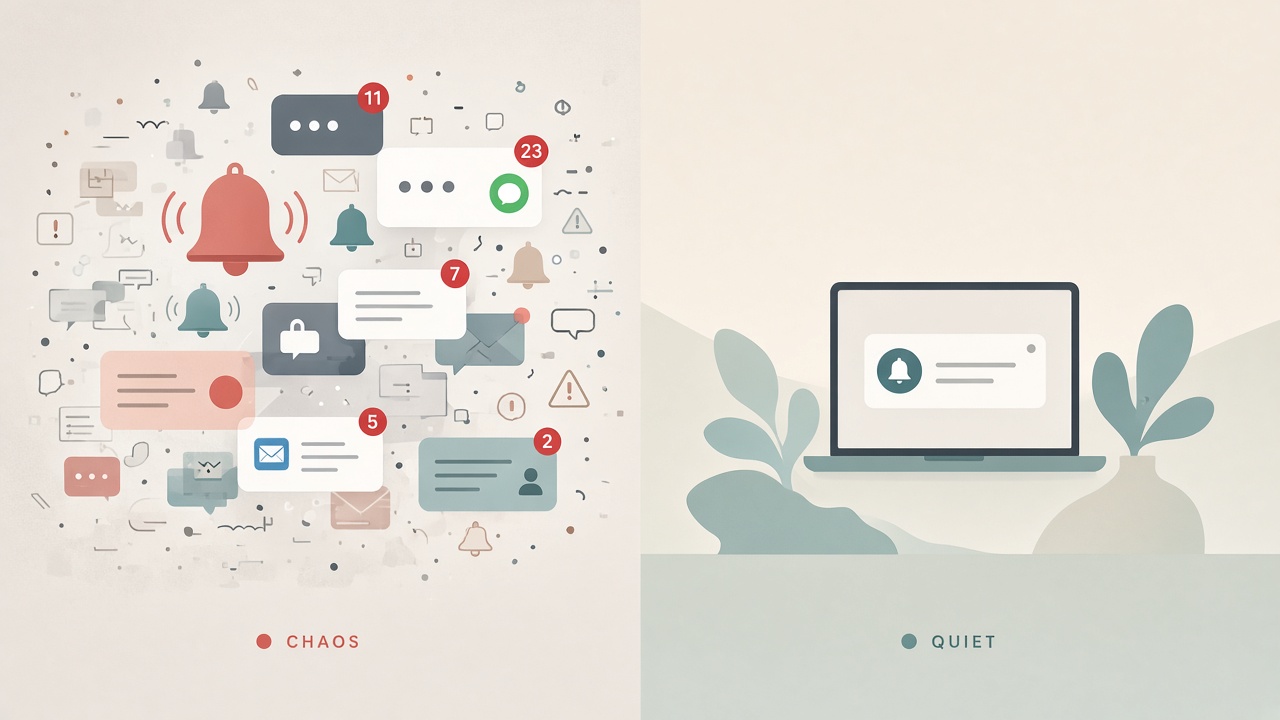
Quiet both phone and PC with shared allowlists.
Inventory the real interruptors
For two workdays, tally each alert that makes you switch tasks. Categorize roughly into four buckets. Human waiting on you in real time includes calls and true incidents. Human who could wait an hour covers most chat. System noise includes marketing, social, store alerts, “memories,” and game events. Self-inflicted noise includes news apps and email push for newsletters.
Most people discover that social or store alerts still live somewhere, and that email push treats newsletters like fires. You cannot redesign what you refuse to measure.
Allowlists beat endless muting
Muting individual channels forever fails when new channels appear. Prefer allowlists: only named people or apps may break a focus block. On phone and PC, create a Focus or Do Not Disturb profile for deep work that allows calls from favorites or starred contacts, one critical work app if you are truly on-call, and the alarms or calendar alerts you still need.
Everything else waits. If your role is customer-facing emergency support, your allowlist will be wider and your deep blocks shorter. Design for the job you have. Mirror the philosophy across devices; a quiet laptop with a screaming phone is not quiet.
Separate push email from inbox responsibility
Email is where allowlists pay rent. Disable push for marketing and updates categories where the client allows it. Keep push only for VIP rules if you need them. Check the inbox on a schedule—for example 10:30, 13:30, and 16:30. Use filters so automated mail never badges the dock.
If workplace culture expects five-minute email response times, negotiate reality or accept that deep work must live outside those hours. Pretending otherwise creates guilt layered on chaos.
Batch windows for chat without disappearing
Chat needs a heartbeat, not a live wire. Set status to a clear return time. Run a focus profile for 45–90 minutes. Open a 10–15 minute batch window to answer threads in priority order. Capture tasks into your tracker so chat does not become the tracker. Repeat.
Teach collaborators once. Most teams adapt when responses are predictably timely rather than instantly erratic. Keep channel-wide noise in muted defaults and unmute when you enter the batch window. Mentions from allowlisted people can still break through if your tools support that.
Kill duplicate delivery paths
The same alert on three devices is not thoroughness; it is a multiplier. Pick one primary interrupt device during desk work—usually the PC. Keep the phone face down with mirrored notifications off while you are at the desk. Turn wearable alerts off for work chat unless you are away from the desk on purpose. Disable email notifications on two of three devices.
When you leave the desk, flip the primary to the phone with a commute or errand profile. Intentional switching beats ambient double-tap anxiety.
OS and app settings that reinforce the plan
You do not need exotic software. Schedule focus modes against your calendar’s deep blocks. Turn off lock-screen previews for sensitive work content. Disable badge counts where they trigger compulsion without information. On the PC, disable banner notifications for browsers; browsers are frequent notification freeloaders. Review app permission lists quarterly because new installs love to re-enable chaos.
Name your modes after jobs: Deep write, On call, Evening personal. Vague names get abandoned under stress.
Special cases: on-call, managers, and makers
Not every role can use the same silence. On-call engineers should maintain a separate incident profile that allows paging tools only while keeping social and email mute. Managers may widen allowlists for direct reports during core hours, then run a harder deep profile for strategy blocks twice a week. Makers and writers should default to narrow allowlists and publish batch windows in the team channel so people stop testing availability.
Write profile names into a calendar description once. Future you under stress will not redesign ethics mid-incident.
Social edges and relapse prevention
Expect relapse on stressful weeks and build guardrails. Run a weekly five-minute audit asking which alert broke a block incorrectly. Remove that alert’s permission; do not add motivational wallpaper. Keep the phone charger across the room during the first deep block of the day. Use full-screen writing modes so even badge dots disappear.
If coworkers train you with constant pings, move decisions into documents and tickets. Chat should not be the system of record. After any major OS or chat-client upgrade, spend three minutes re-checking notification permissions before you assume your quiet setup survived.
Checklist
- Two-day interrupt tally completed at least once
- Deep-work allowlist defined the same way on phone and PC
- Email push narrowed; batch check times set
- Chat batch windows paired with clear status messages
- Duplicate alerts removed across phone, PC, and watch
- Browser banners disabled
- Focus schedules attached to real calendar blocks
- Weekly audit note for leaky alerts
FAQ
What if my manager expects instant chat replies?
Clarify what “instant” means. Many managers accept a posted response window if you hit it consistently. If true instant response is required, schedule deep work outside those coverage hours or use shared on-call rotations. Tools cannot solve an undefined service-level expectation.
Should I delete social apps?
Optional. Faster wins often come from removing push permissions and logging out on the computer. Deletion helps if you reopen apps by muscle memory during batch windows.
Do focus modes work if I keep glancing at the phone anyway?
They reduce external interrupts; they do not cure self-initiated checking. Pair modes with physical distance—phone elsewhere—for the first block of the day until the habit weakens.
Is turning off all notifications realistic?
For most jobs, no—and unnecessary. Allowlists preserve safety and relationships while removing junk. Total silence is more useful as a weekend tool than as a weekday career default.
How long until this feels normal?
Usually one to two weeks of consistent batching. The first days feel itchy. Track completed deep blocks instead of how responsive you felt. Responsiveness without progress is expensive jitter.