Article
Inbox zero vs inbox calm for remote workers

Inbox Zero became a personality. Inbox anxiety became the default. Remote workers especially feel mail as a second boss: always present, always implying you are late for something unnamed. You do not need a religion. You need a mail philosophy that matches your role—a way to keep communication trustworthy without letting the unread count own your attention. Call the alternative inbox calm. This guide compares both approaches and helps you pick or mix them without productivity theater.
At a glance
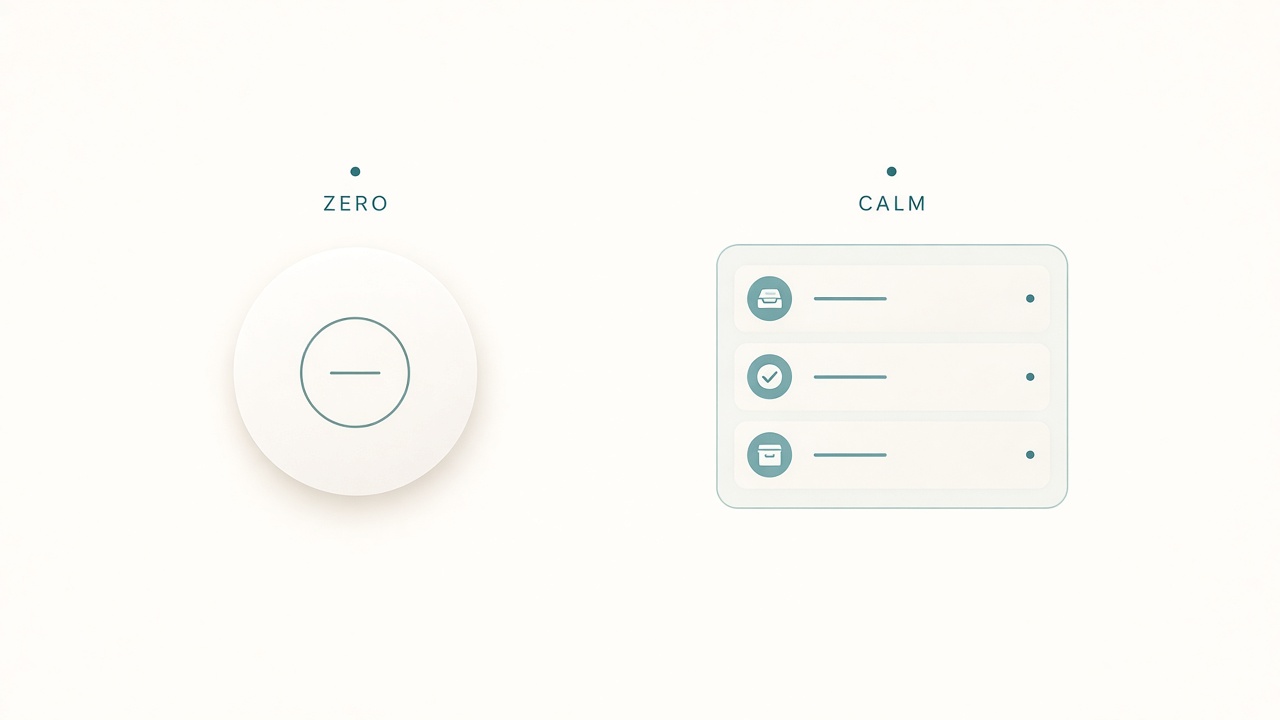
Calm queues beat a moral score on the badge count.
What Inbox Zero actually meant
In its useful form, Inbox Zero is not “zero messages forever.” It is “process to empty regularly so the inbox is a queue, not a storage attic.” Messages get deleted or archived, replied to, deferred with a system, or converted into tasks outside the inbox.
The failure mode is treating the badge count as a moral score. People stay up late clearing newsletters to feel virtuous while real work waits. The method still helps mail hubs; the slogan does not.
What inbox calm means
Inbox calm optimizes for predictable response windows and low ambient stress. You know when you check mail. Stakeholders know what “fast” means for you. Urgent paths do not rely on you scanning a chaotic river. The unread count can be non-zero overnight without guilt.
Calm is not neglect. Unanswered client fires still get handled. They get handled on purpose inside windows you can sustain.
Choose by role, not by slogans
Lean toward stricter zero-style processing if you own external customer email with SLAs, triage a shared support alias, act as a coordinator hub, or get blocked when mail sits unsorted.
Lean toward calm batching if you do deep creative, engineering, or research work, already have chat tools for true urgencies, receive high newsletter volume, or find that mail-checking fragments every hour.
Many remote roles need a hybrid: zero-style for a VIP folder, calm batching for everything else. Mixing is normal. Dogma is optional.
Build inbox calm in one afternoon
Separate urgency paths first. Write down how true emergencies reach you: phone call, SMS, chat mention, or on-call page. If emergencies arrive only by email, fix that operationally—or accept that you must scan more often.
Set two response windows next. An individual contributor might batch at 11:30 and 16:30. Put the windows on the calendar. Close the mail tab during deep blocks.
Create three folders or labels that matter: Action for work you must do, Waiting for items you nudged to someone else, and Reference for keepsakes that are not actionable. Everything else archives. Fifteen labels will not maintain themselves.
Filter noise ruthlessly. Auto-route newsletters, receipts, and tool alerts out of the primary inbox. Calm starts with less arriving.
Define “done enough” for a batch: VIP and Action items have a next step, Waiting items have a date, new noise is filtered or archived, and calendar invites are accepted or declined. You can leave non-VIP unread if your philosophy allows it, as long as VIP handling stays honest.
When zero-style still wins
Run a tighter process if your job is a mail hub. Process to empty once or twice daily. Convert actions to tasks immediately. Never use the inbox as a to-do list. Review Waiting every day.
The spirit is still calm: scheduled processing, not continuous glancing. The badge becomes a queue metric during the processing window, not a scoreboard between windows.
Remote-specific failure modes
Chat plus mail creates a double interrupt. If Slack already pages you, email does not need banner rights during focus. Turn badges off for deep blocks.
Timezone theater treats overnight messages as automatic emergencies. Answer in your window unless an SLA says otherwise. A message sent at 11 p.m. in someone else’s zone is still ordinary work in yours unless the contract says otherwise.
CC culture fills landfills with “visibility” that has no owner. Ask teams to stop copying people without a question. Visibility without ownership is how inboxes become attics again after a clean week.
Mobile peeking recreates the firehose in your pocket. Remove work mail from the home screen, or keep VIP-only alerts through a tiny filter. Two weeks of demoted mobile mail usually reveals how few messages were truly urgent.
Team expectations and a fourteen-day experiment
Calm fails when it is secret. A short note in your status or team doc removes ambiguity: you batch email at set times, and same-morning urgencies should use chat. You are not asking permission to do deep work. You are defining channels.
If your role truly cannot batch, say that clearly and protect VIP processing instead of pretending every message is equal. Stakeholders handle honest constraints better than silent delays. A published window also reduces the social habit of testing the firehose to see what gets attention.
If you are unsure which philosophy fits, run a timed test. Week one uses two fixed mail windows, VIP-only badges, and no continuous glancing. Week two keeps those windows and adds a Friday zero-style clear of Action and Waiting. Score missed commitments, deep-work hours protected, and end-of-day tension. Keep the rules that improved the score. Drop rules that only improved badge cosmetics.
Add a weekly twenty-minute hygiene block: clear Waiting older than a week, unsubscribe from three recurring noises, confirm your windows still match the calendar, and archive the “I might need this” pile you never open. Small hygiene prevents calm systems from rotting into another attic with prettier labels.
Checklist
- Urgency paths documented beyond “hope someone emails”
- Two response windows on the calendar
- Action / Waiting / Reference labels only
- Filters for newsletters and automated noise
- VIP versus everyone-else rules written
- Mail badges disabled during deep work
- Mobile mail demoted or VIP-only
- Friday hygiene block scheduled
- Team expectations shared where needed
FAQ
Is having thousands of unread emails unprofessional?
Not automatically. Unprofessional is missing commitments. If VIPs are handled and work ships, bulk-archive the attic.
Should I disable email on my phone?
If phone peeks wreck evenings, yes—or keep VIP-only notifications. Test for two weeks.
What about customers who expect instant email replies?
Publish response expectations and give a faster channel for true urgencies. Instant everything is a staffing plan, not a badge-count plan.
Does automated triage fix this?
It can help sort. It cannot invent boundaries. Without windows and VIP rules, faster sorting only accelerates the anxiety.
Can I mix Zero and calm?
Yes. Many people zero a work alias and calmly batch a personal or FYI inbox. Choose by role and traffic, not by slogan purity.