Article
Hybrid office bag checklist

Hybrid days often fail in the doorway. You leave with the laptop and badge, then discover the charger, headset, or notebook stayed home. Or you overpack a gym bag of cables and arrive already tired. A pack-once checklist turns office days into a repeatable kit instead of a scavenger hunt. This guide is for people who split time between home and an office or coworking site. It focuses on reliability and bag weight, not fashion.
At a glance
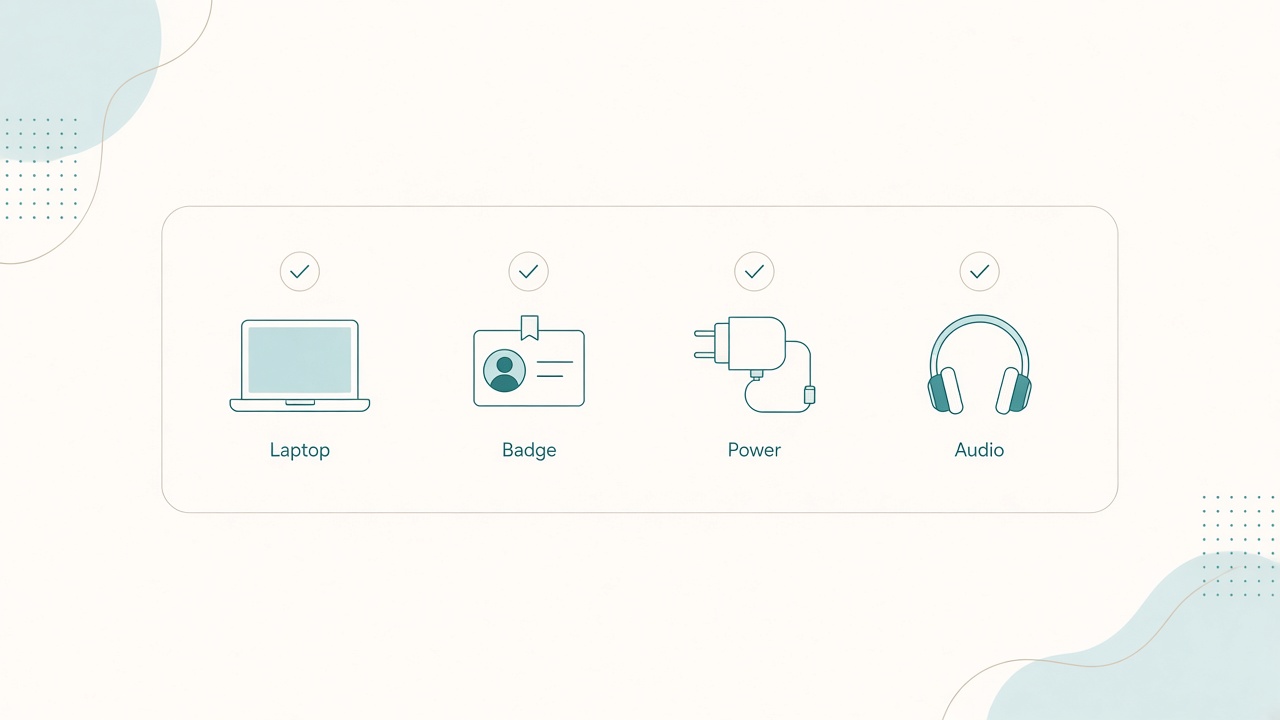
Laptop, badge, power, and audio—ready by the door.
Build a dedicated office-day kit
Do not rebuild the bag from kitchen-counter chaos each morning. Create a kit that lives together: a small cable pouch, a slim tech sleeve or padded bag section, a document sleeve for paper that still matters, and a return-home spot by the door where the kit parks overnight.
When the kit is complete, the bag is ready. When something leaves the pouch at work, it must return before you commute home. That single ownership rule prevents the slow drain of adapters left on hot desks.
The core tech layer
Pack these every office day unless you know the site already provides them.
- Laptop with enough charge to survive a delay.
- Charger and cable appropriate for that laptop, not a random USB-C lead that only trickles power.
- Badge, keys, and transit card.
- Headset you actually use for calls, plus a spare cheap wired pair if your job is call-heavy.
- Mouse if office mice are poor or shared.
- Notebook and pen for rooms where laptops feel rude or Wi-Fi fails.
Optional items earn their weight only on flex days: a compact laptop stand when monitors are scarce, an HDMI or USB-C video adapter for meeting rooms, a small GaN charger when outlets are distant, and a privacy screen for trains or open benches.
Comfort, contingency, and cable discipline
Hybrid days include hallways, cold conference rooms, and lunch unknowns. Pack a light layer, a water bottle you can empty for security, and personal items you cannot borrow. Keep snacks simple and non-melty. A ruined bag lining is a real failure mode.
Loose cables knot and skip packing. Use one pouch with labeled slots or clips for the power brick, coiled power cable, video adapter, and mouse USB receiver in a tiny bag taped to the mouse. Photograph the pouch once when it is correctly packed. On doubtful mornings, compare.
Color-code if your household shares similar chargers. Grabbing a lookalike brick is a classic hybrid outage.
Two bag modes: light office vs full flex
Use light office mode when a reserved desk, monitor, dock, and keyboard are waiting. Carry laptop, charger if the dock is unreliable, headset, notebook, and badge. Leave the stand and spare mouse at home.
Use full flex mode when you hot-desk, visit another site, or work from a cafe after the office. Add stand, mouse, adapters, and maybe a spare charging cable.
Switch modes by moving a labeled flex pouch in or out. Do not reinvent the whole bag each morning.
Evening reset and arrival script
When you get home, empty crumbs and receipts, return every kit item to the pouch, charge the laptop and wireless peripherals, check tomorrow’s calendar for rooms that need adapters, and park the bag in the door spot. The evening reset is the habit. Morning packing is grabbing the bag.
On arrival, give yourself a five-minute script: claim and test power before unpacking emotionally, dock or plug video first if a monitor exists, place keyboard and mouse in your normal reach arc, return the empty pouch to the bag, then set status and headphones before the first hallway conversation finds you.
When you leave, reverse the script. Adapters first, then mouse receiver, then charger. Most “I left it at the office” stories are end-of-day rushes, not morning mistakes.
Meeting-room and security extras
Office buildings add friction the home desk never sees. Keep a bright tag on video adapters so they do not disappear into conference-room clutter. If badge printers or visitor desks delay entry, the laptop charge buffer matters more than another cable. Pack a short extension only when your floor regularly seats people far from outlets; otherwise it becomes permanent dead weight.
Security screening favors empty bottles and quick-open pouches. A single tech pouch that unzips flat beats a nest of zippered pockets when you need the brick in ten seconds. Put liquids and tools where you can remove them without dumping the kit onto the floor.
If your site provides docks, still carry the one adapter that meeting rooms lack. Rooms often have HDMI while your laptop offers only USB-C, or the reverse. That single mismatch creates more late starts than forgetting a spare mouse.
Weight budget
If the bag regularly exceeds a comfortable carry, you will start leaving critical pieces behind. Audit monthly. Remove cables for devices you no longer bring. Prefer one multiport adapter over three single-purpose dongles. Use a thinner notebook if you fill ten pages a month. Stop carrying “just in case” hardcover books.
Lighter kits get used more consistently. Shoulders and backs are part of the hybrid setup even when the spreadsheet is not. After each audit, reweigh the bag mentally against your commute mode. Bike and long-walk days should bias toward light office mode even if the calendar looks flexible.
Checklist
- Dedicated kit pouch assembled
- Laptop and correct charger packed
- Badge and transit access ready
- Headset plus backup audio option
- Mouse and USB receiver paired in the pouch
- Notebook and pen present
- Video adapter included for flex days
- Evening charge and bag reset completed
- Mode chosen: light office or full flex
- Weight audited in the last month
FAQ
Should I leave a duplicate charger at the office?
Yes if theft and desk-sharing risk are low. Duplicates reduce bag weight and forgotten-brick incidents. Label them clearly.
What if I bike or walk a long distance?
Prioritize a smaller bag, sweat management, and a hard case for the laptop. Consider a locker at the office for flex gear so you do not haul stands daily.
How do I stop leaving the adapter in meeting rooms?
Attach a bright tag to adapters and add a short “room clear” phone alarm after meetings until the habit sticks.
Is a backpack better than a tote?
Choose based on weight and hands-free needs. Heavier kits usually treat backs better in backpacks with structured sleeves.
Can I keep the same kit for travel weeks?
Travel weeks need a separate audit for hotel power and security. Use this hybrid checklist as the base, then add travel-specific power and document needs.